 Skip to content


Working with Berks was a turning point. They brought structure to our scattered ideas and turned them into a fully secure, feature-packed app that actually feels personal. The UX, speed, and privacy-focused design made all the difference.


Founder, MyPins App
We led the end-to-end design, development, and deployment process

Identified app features from user research
Increased organic installs by post-launch
Achieved crash-free sessions
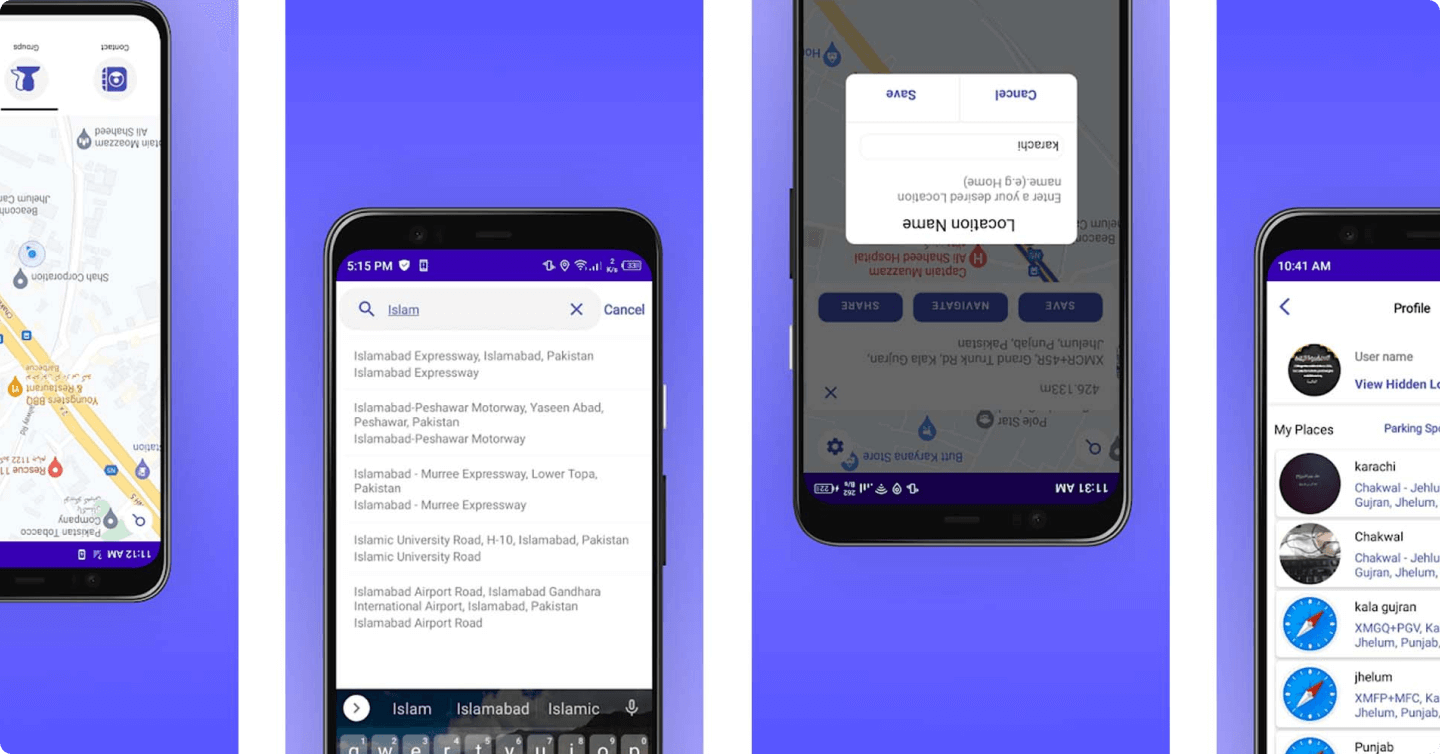
When MyPins approached us, the app was stuck in the MVP stage and riddled with user flow issues. Users could drop pins, but couldn’t save or organise them properly. There were no contact groups, no meaningful UX, and zero real security beyond device-level access. Worse, saved locations weren’t searchable or connected to real-world context.
Essentially, it was an idea with potential, but no usable execution. MyPins needed more than a dev fix. It needed a ground-up rebuild, with attention to security, speed, and actual usability.

We started by redesigning the entire app journey — from onboarding and long-press location saving to secure pin storage and contact grouping. Our development team implemented geo-location APIs, custom security layers, and intuitive UI components to deliver a smooth, safe, and seamless experience.
Then we focused on functionality: we added smart contact storage, group creation tools, profile-level access, and flexible location management. Finally, we optimised the app for performance and scalability across devices.
The result? A user-friendly, high-security app that lets users save and revisit their favourite places, without worrying about privacy.









E-Promotions had no clear visibility into what was working. We unified fragmented data sources, set up accurate tracking, and brought transparency to every click and conversion, turning guesswork into precision, and confusion into insight they could act on instantly.
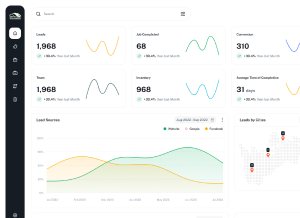
Traffic wasn’t the issue, but quality was. We restructured their funnels, rebuilt landing pages, and aligned targeting with intent-driven content. The result? Higher engagement, longer on-site time, and a sharp rise in high-value leads that matched their ideal customer profile.
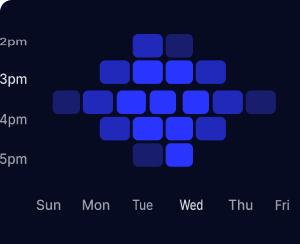
Their ad budget was bleeding on the wrong clicks. We reshaped targeting criteria, paused underperforming segments, and introduced A/B testing loops, making every pound spent work harder. Same budget, but dramatically improved return on ad spend across all key platforms.
Beyond fixing what was broken, we created systems that would work long-term. Automation, optimization routines, and performance dashboards empowered the E-Promotions team to scale confidently—without depending on daily guesswork or reactive fixes. Growth became proactive, planned, and measurable.

We began by mapping user personas and pain points. Through structured interviews and UX audits, we uncovered gaps like missing contact grouping, unintuitive pin saving, and no secure access. These insights shaped a roadmap prioritising real-life user flows — from long-press saving to personal PIN locking.
Users didn’t want clutter. We created a clean, mobile-first interface where adding a pin or saving to contacts takes under 3 taps. Key CTAs like “Hide Pin” or “Save to Contact” were placed at natural points in the journey, resulting in higher engagement and lower bounce.

To protect sensitive location data, we built dual access layers — device lock + in-app PIN. Hidden location mode and data encryption ensured user control and trust while maintaining compliance with app store security policies.

We built a flexible engine that lets users add unlimited contacts, assign multiple locations, and even build groups — all from within the app. No external syncs required. Contact-based pin mapping became a powerful tool for travellers and field teams alike.

The backend was optimised for lightning speed and battery-friendly performance. We implemented local caching for repeated location fetches and used edge functions to minimise API calls — keeping the app light, fast, and stable, even on low-end devices.

To drive organic installs, we optimised MyPins for app store discovery using feature-focused keywords like “save visited location” and “private pin drop.” Social-sharing integrations encouraged viral growth via WhatsApp, Instagram, and more.
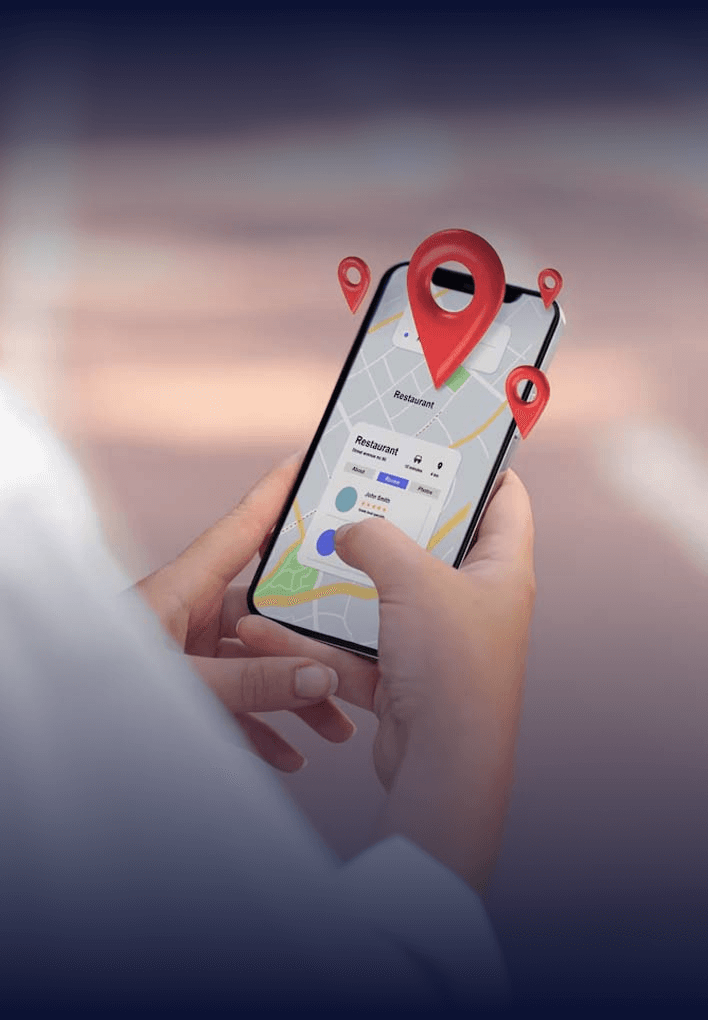






We begin with deep research into the location-logging app niche. The focus was on understanding how users currently save places, the privacy concerns around location sharing, and gaps in competitors like Google Maps, FindMy, and niche memory-tracking apps.
Our keyword and app store research revealed a clear opportunity for a privacy-first, contact-integrated location app — something the market lacked.
We developed a clean, mobile-first layout focused on simplicity and intuitive interactions. Each core task — dropping a pin, hiding a location, saving to a contact — was designed to take no more than 3 taps.
CTAs were placed naturally, while the entire design language reinforced trust and privacy, from lock icons to confirmation nudges.
The app’s core feature set — pin-drop, contact tagging, hidden locations, and secure login — was custom-built from scratch. We engineered the backend with encrypted local storage and dual-auth logic (device lock + in-app PIN).
Each feature was built with modularity for easy updates and future scaling (e.g., location reminders, travel logs).
Our ASO team built the app listing to rank for high-intent keywords like “save locations privately,” “map app with PIN,” and “secure location tracker.” We A/B tested visuals and built a keyword-optimised description to maximise installs.
Using Firebase, we built lightweight APIs, optimised background services, and implemented crash analytics to ensure stability. The app maintained high performance even on mid-range Android devices — a common challenge in our target markets.
From launch day, we installed in-app analytics to track pin creation, contact saves, and feature use. These insights helped us prioritise updates, such as bringing the “Hide Pin” feature to the front of the toolbar due to high engagement.
Before public release, we performed full security audits, resolved app store compliance issues, and tested across OS versions. Once approved, we trained the client on store console management, update workflows, and performance review.

Start with what you need, customize as you go.